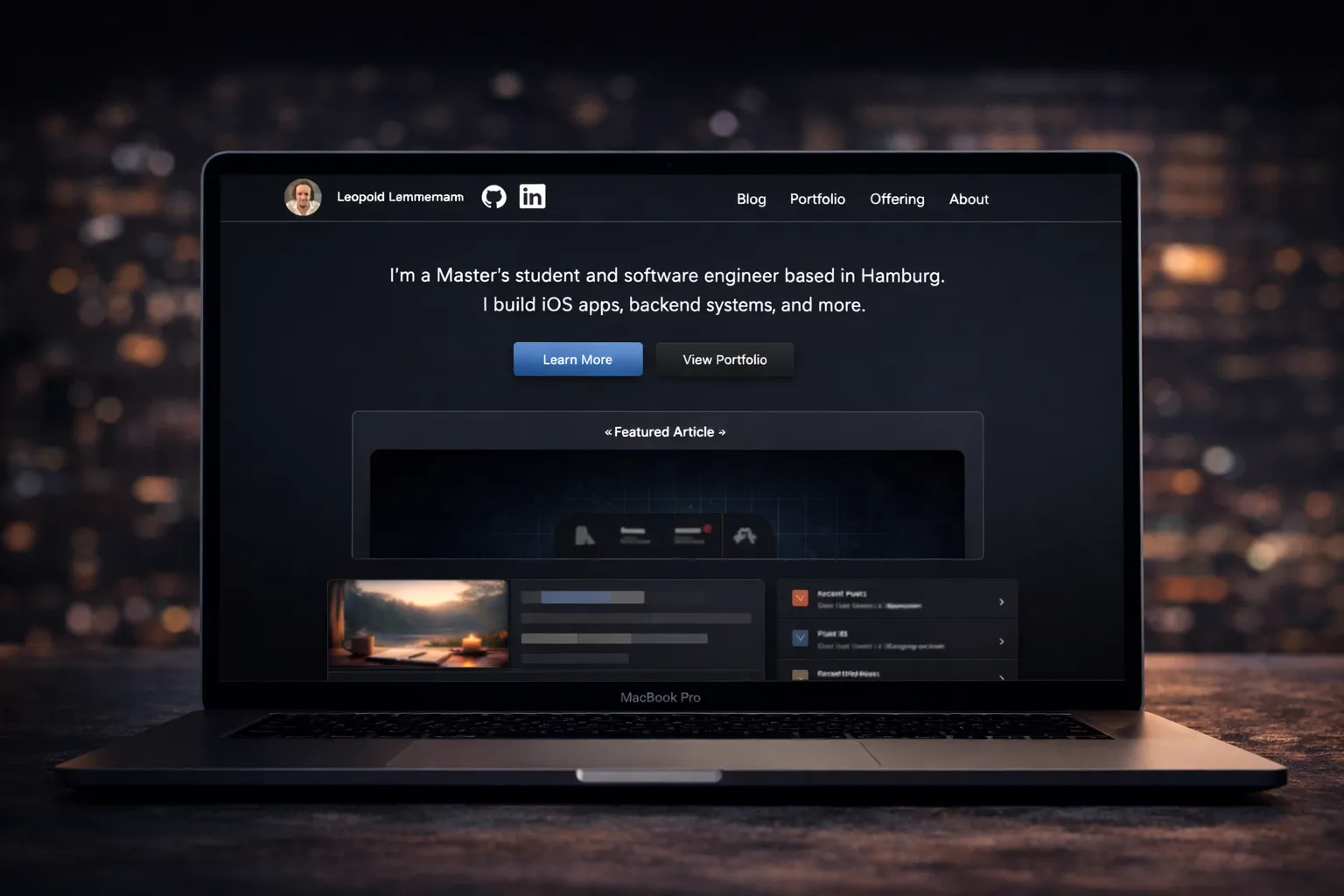
Transferring my domain to Cloudflare was a low-effort, high-impact upgrade. It gave me more control over my personal site leolem.dev and significantly reduced annual costs. It also introduced better analytics and a cleaner developer experience.
Here’s how it went and what I learned.
TL;DR
Cloudflare wins:
- ✅ Lower cost
- ✅ Cleaner DNS and email setup
- ✅ Useful free analytics
- ✅ Better control
Worth it.
Why I Migrated
A few simple reasons:
- Price: Cloudflare offers domains at-cost. I’m saving ~40% compared to Squarespace.
- Analytics: Cloudflare Analytics is privacy-first and free, ideal for simple personal sites.
- Control: Their DNS and security tools are transparent, fast, and developer-friendly.
The Process
Moving the domain was straightforward:
- Switched nameservers to Cloudflare (already done previously)
- Unlocked the domain in Squarespace
- Requested the auth code
- Initiated transfer in Cloudflare using that code
- Confirmed via email, then waited ~5 days
A Few Snags
🔒 Smoke Tests Blocked
After switching, my Playwiright smoke tests failed. Turns out Cloudflare’s Bot Fight Mode was blocking them. Disabling the setting fixed it.
🧭 Lost CNAMEs
Subdomain CNAME records didn’t carry over automatically, smokes.leolem.dev and launchlab.leolem.dev both vanished. I had to re-add them manually in Cloudflare DNS.
Bonus: Email Domain Transfer
I also migrated my private email domain. WHOIS and DNS now show Cloudflare, but Squarespace still lists it as active. I’ll give it a few days, then reach out to support and close my Squarespace account.
If you’re doing the same:
- Delete any lingering Squarespace CNAMEs
- Verify setup with tools like MXToolbox
Exploring Analytics
Now that the move is done, I’m testing Google Search Console to complement Cloudflare’s analytics. It’s early, but the combo should give me better insight into search visibility and traffic, without compromising on speed or simplicity.
More articles coming soon… including one about the journey of building Almost?, my Firebase-powered reflection app.